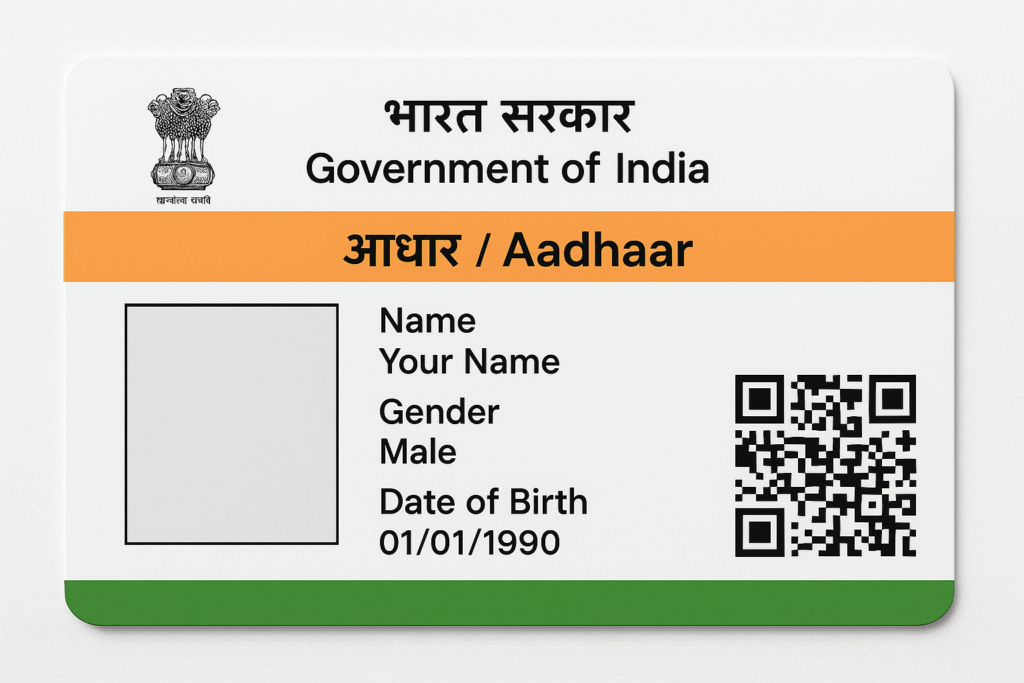
The Aadhar Card is a vital identity document for every Indian citizen. It contains your name, address, date of birth, mobile number, and biometric information. Keeping your Aadhar updated is essential to avoid issues while using government services, banking, or applying for subsidies. This step-by-step guide explains how to update your Aadhar Card easily, both online and offline.
When You Should Update Your Aadhar Card
Update your Aadhar if:
- You have changed your address or name.
- Your date of birth or gender is incorrect.
- Your mobile number or email ID has changed.
- You need to refresh your photo or biometrics.
How to Update Aadhar Card Online
- Go to the official UIDAI website: https://uidai.gov.in.
- Click on “Update Aadhaar Online” or log in to the MyAadhaar portal.
- Enter your Aadhar number and the OTP received on your registered mobile.
- Select the field you want to update (name, address, etc.).
- Upload valid supporting documents like proof of address or identity.
- Pay the small fee (₹50 per update) and submit.
How to Update Aadhar Card Offline
- Visit your nearest Aadhar Seva Kendra or Enrolment Centre.
- Fill out the Aadhar Update/Correction Form.
- Provide original documents for verification.
- Pay the nominal fee and collect your Update Request Number (URN) to track status.
Check Aadhar Update Status
Visit the UIDAI website, enter your URN or SRN, and track the status online. Once approved, download the updated e-Aadhar or get a physical copy.
Final Tips
- Always carry original documents for verification.
- Make sure your mobile number is linked with Aadhar for OTP verification.
- Keep your acknowledgment slip safe until the update appears.
Conclusion
By following these simple steps, you can update your Aadhar Card online or offline without hassle. Keeping your Aadhar details accurate helps you access government benefits and identity verification smoothly.
Hi, this is a comment.
To get started with moderating, editing, and deleting comments, please visit the Comments screen in the dashboard.
Commenter avatars come from Gravatar.